How it works
Workflows
Use a built-in workflow for your task, or create one for the work you do.
A workflow defines how agents handle a type of work, such as building a feature or making a product video. Tasks on the same board can use different workflows.
Use a workflow
Describe your request when adding a task. AI4Kanban’s agent automatically infers the workflow from what you ask for.
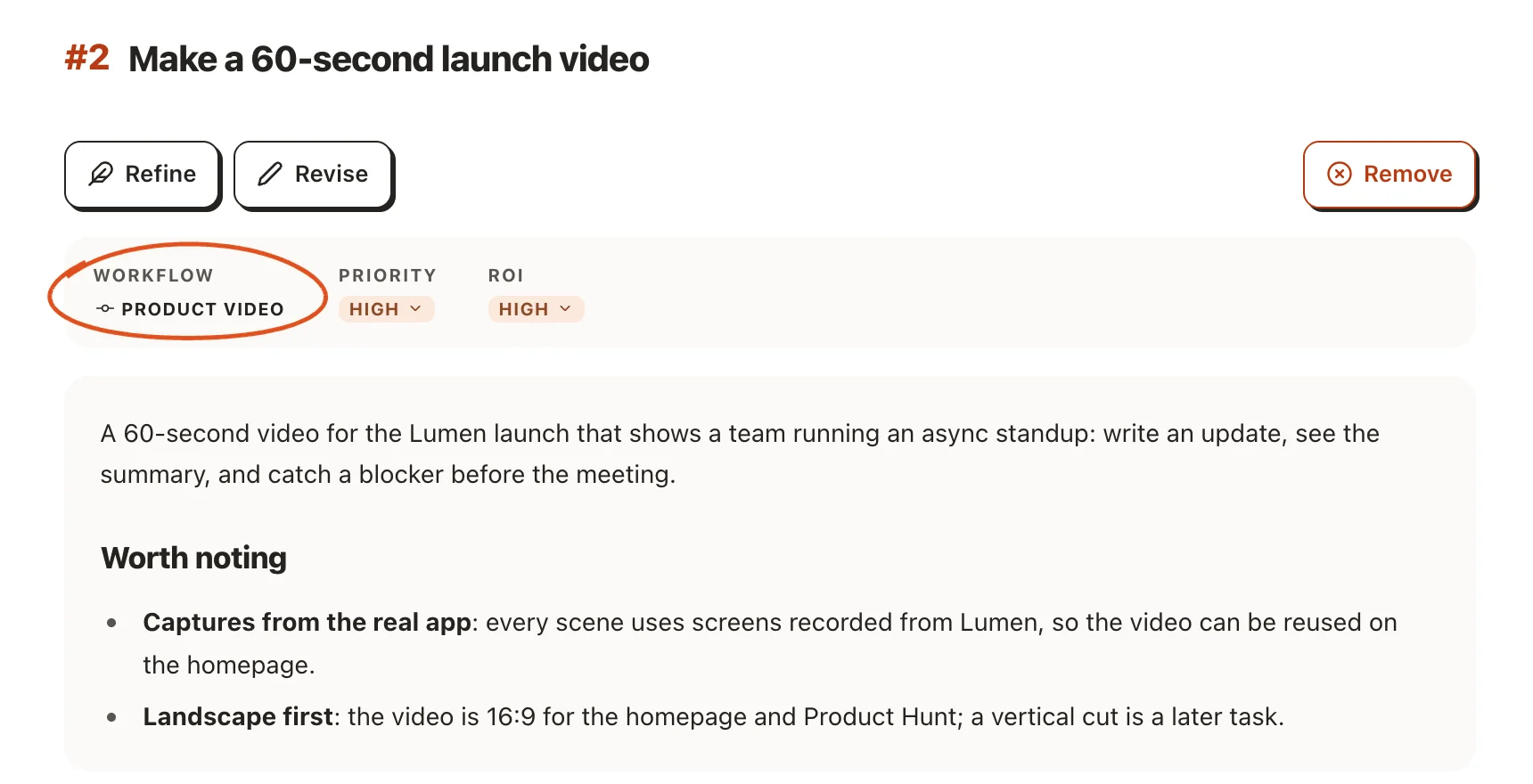
Built-in workflows
| Workflow | What it does |
|---|---|
| Coding | Plans and implements software changes, including features, bug fixes and refactors. |
| Product video | Turns a product brief into a video script, then produces a finished video and cover. |
| Slide deck | Turns a topic or source material into a PowerPoint presentation, with one image per slide. Slide elements are not editable. |
| Social post | Creates a social media post with images and captions for each platform, plus page images for a carousel. |
| Blog post | Develops an outline into a complete article with images and links. |
| Video clone | Recreates a reference video made with code and creates a reusable template for your own content. |
All six built-in workflows are free. Hosted image, voiceover and music generation require Pro and use AI credits. Without access or enough credits, agents use code-drawn images, local voiceover or no music and note the substitution on the card. Results may be simpler, but the workflow can still finish.
Customize a workflow
Open Configuration → Workflows and select a workflow to see its agents. During planning, the workflow brings in the specialist agents the task needs.
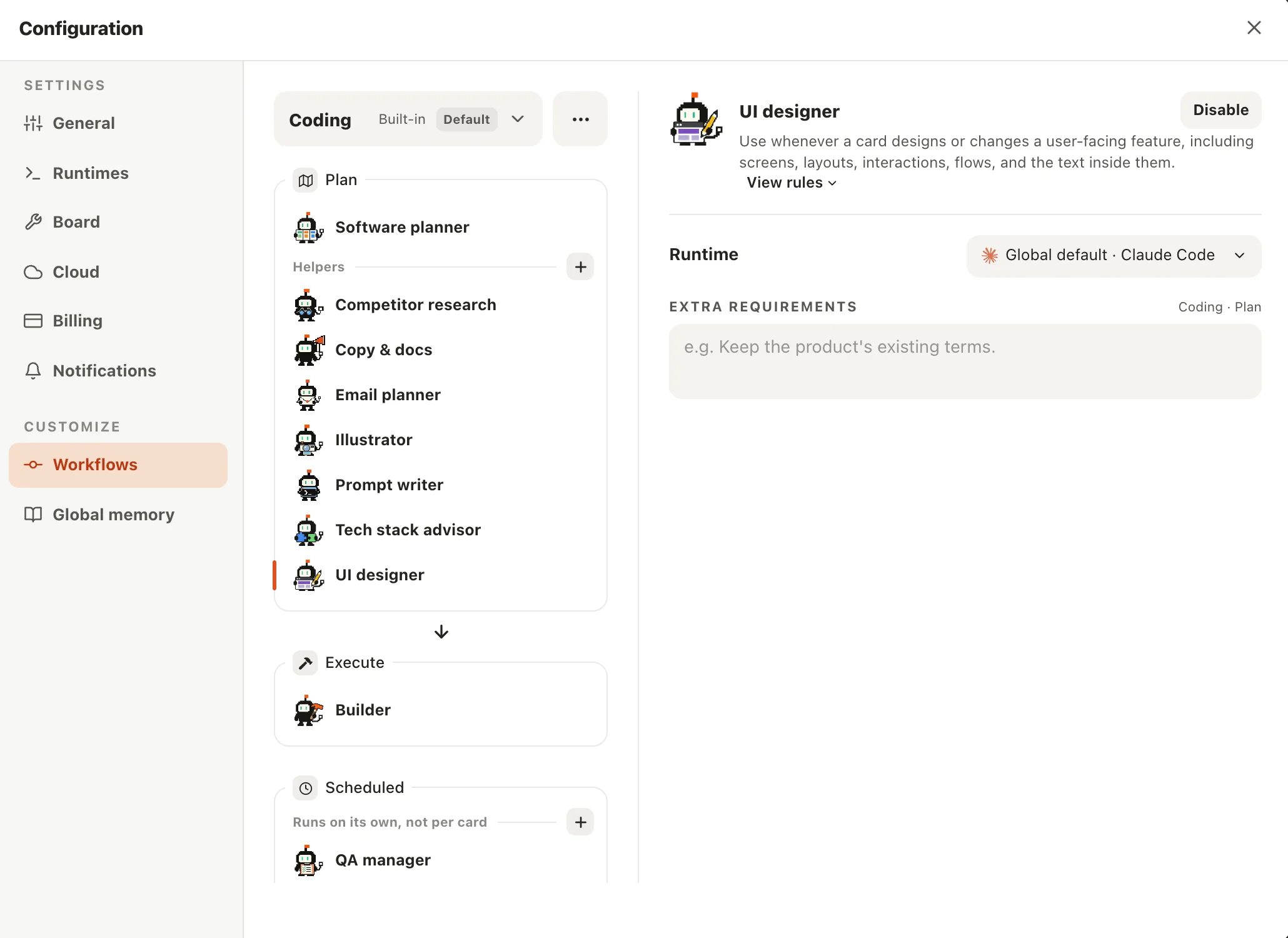
You can enable or disable its planning helpers and add requirements for them. Built-in workflows have fixed lead agents. To change the leads, choose Duplicate from the menu beside the workflow’s name. To create a workflow from scratch, choose New workflow.
Select an agent to set its rules, runtime and model. See Agents for agent settings and Runs for runtime settings.
To have your coding agent configure a custom workflow, use the AI4Kanban skill and ask:
Create a custom AI4Kanban workflow for [describe the work you want it to handle]. Read akb workflow --help and akb guide write-agent, then configure it.
Using, duplicating and creating workflows is free.