Start here
AI4Kanban documentation
An agent workspace for indie hackers. Review the parts that need your judgment before agents build, so you can catch problems early and reduce rework.
AI4Kanban brings development and marketing onto one board. Built-in workflows bring in the specialist agents each task needs, with shared project context, so you can start without designing an agent team yourself.
Install the desktop app
Open your project and finish setup. On a Local board, tasks and memory live in docs/kanban/ as Markdown you can keep in git.
Deliver your first card
Connect a coding agent, then start with a small change in your project or follow the interactive demo.
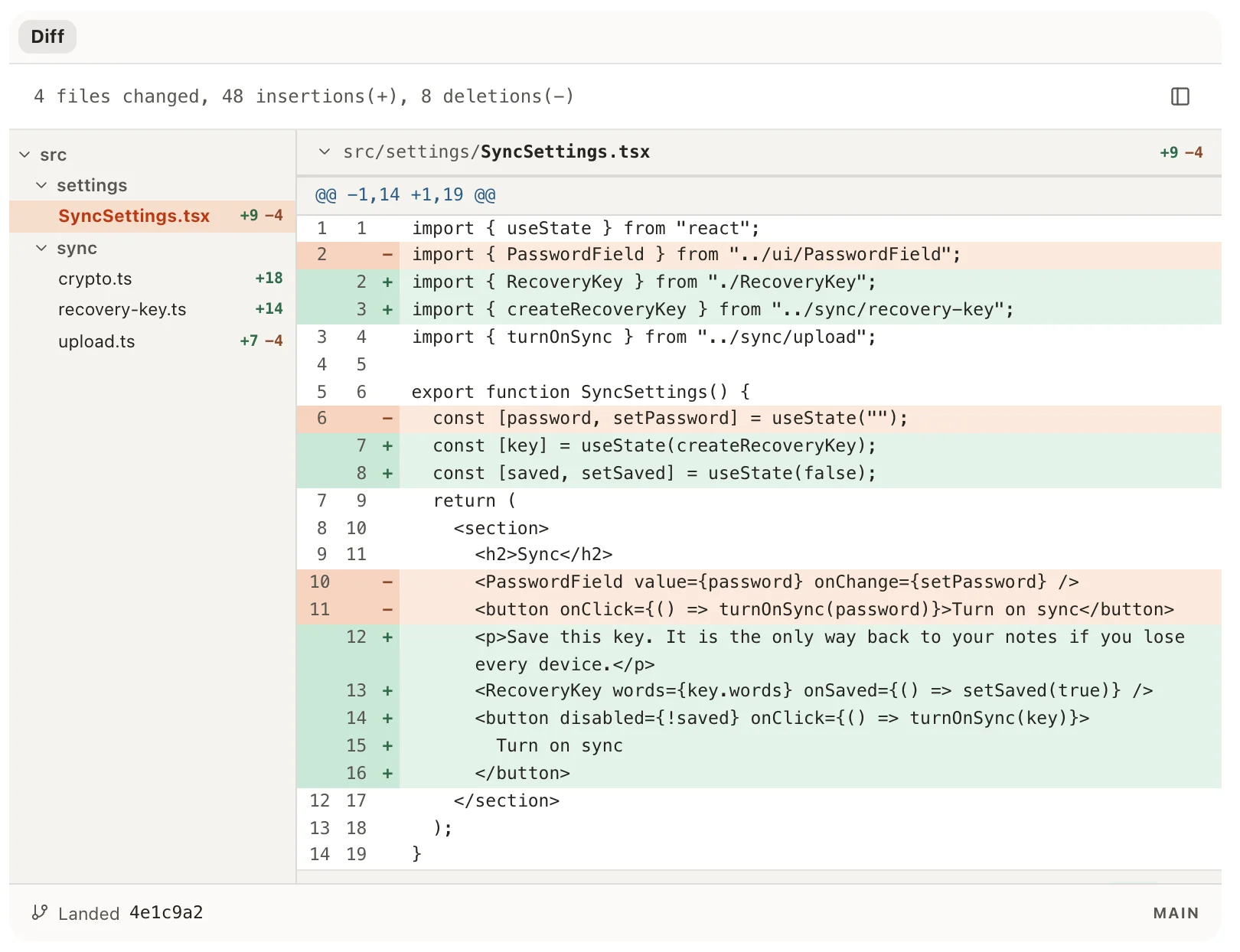
After your first delivery, use the daily loop to pick work, add tasks and move cards forward.
Review the parts that need your judgment
During planning, specialist agents put drafts on the card for the parts that need your judgment, such as a screen, copy or a video script. Review them, request changes and approve the version agents will follow. This lets you catch problems before execution and leave the rest to agents.
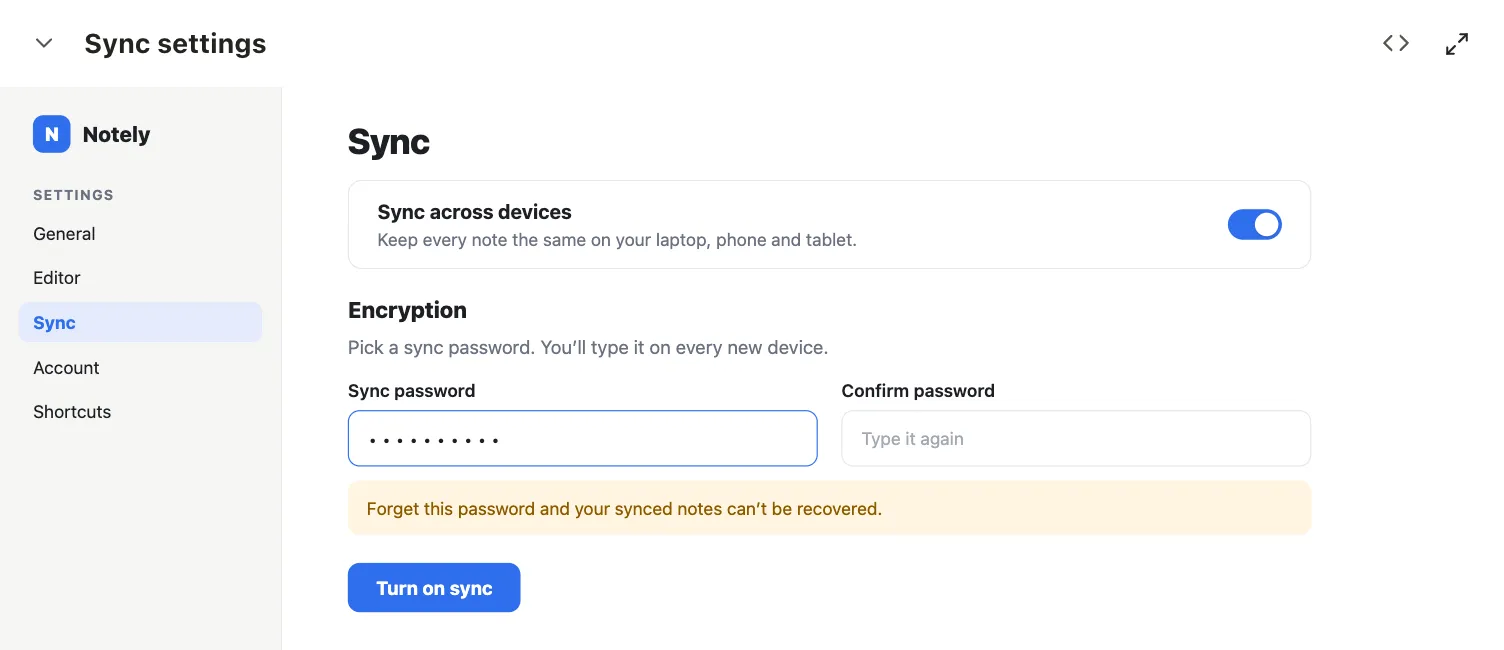
Some cards have several review stages, such as copy followed by screen design. Settle the required drafts and questions before pressing Build. Small fixes can go straight to implementation when there is no draft or product decision you need to review.
Choose a workflow for development or marketing
Six workflows are built in: Coding, Product video, Slide deck, Social post, Blog post and Video clone. Describe the task and AI4Kanban matches it to a workflow. Tasks on the same board can use different workflows.
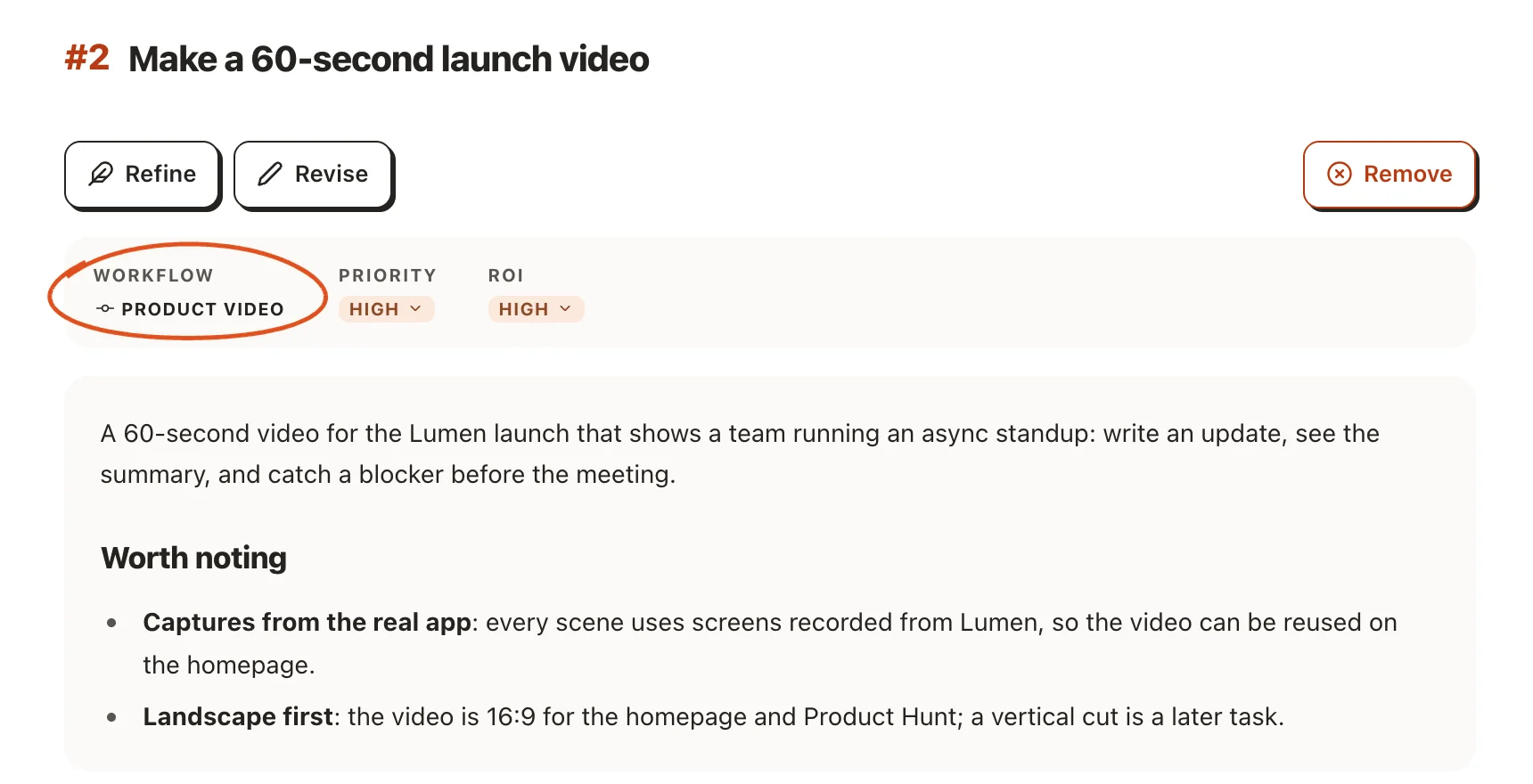
All six built-in workflows are free. You can also create custom agents and workflows for free.
For examples, see AI4Kanban for coding and AI4Kanban for SaaS.
Keep independent tasks moving
Independent cards can run in parallel, so one task does not have to wait for unrelated work. Use priorities and dependencies to choose what comes next, and Runs and runtimes to follow progress and pick the coding agent and model each role runs on.
Carry preferences forward and catch omissions
Agents keep preferences and decisions relevant to their work, so you have less to explain on later tasks. After delivery, agents suggest follow-up work to fill gaps; recurring checks help spot broken user flows. Review suggestions in Triage and choose what becomes work.
- Carry preferences into the next task
See how project memory, agent memory and global memory carry preferences forward and stay current.
- Review follow-up suggestions
Review suggestions in Triage and choose how much follow-up you want.
Switch between projects
Click the project chip at the top of the board to see your projects and switch between them. Choose Open folder… to add another project; AI4Kanban sets up its board for you.