AI4Kanban

Blog

RSS
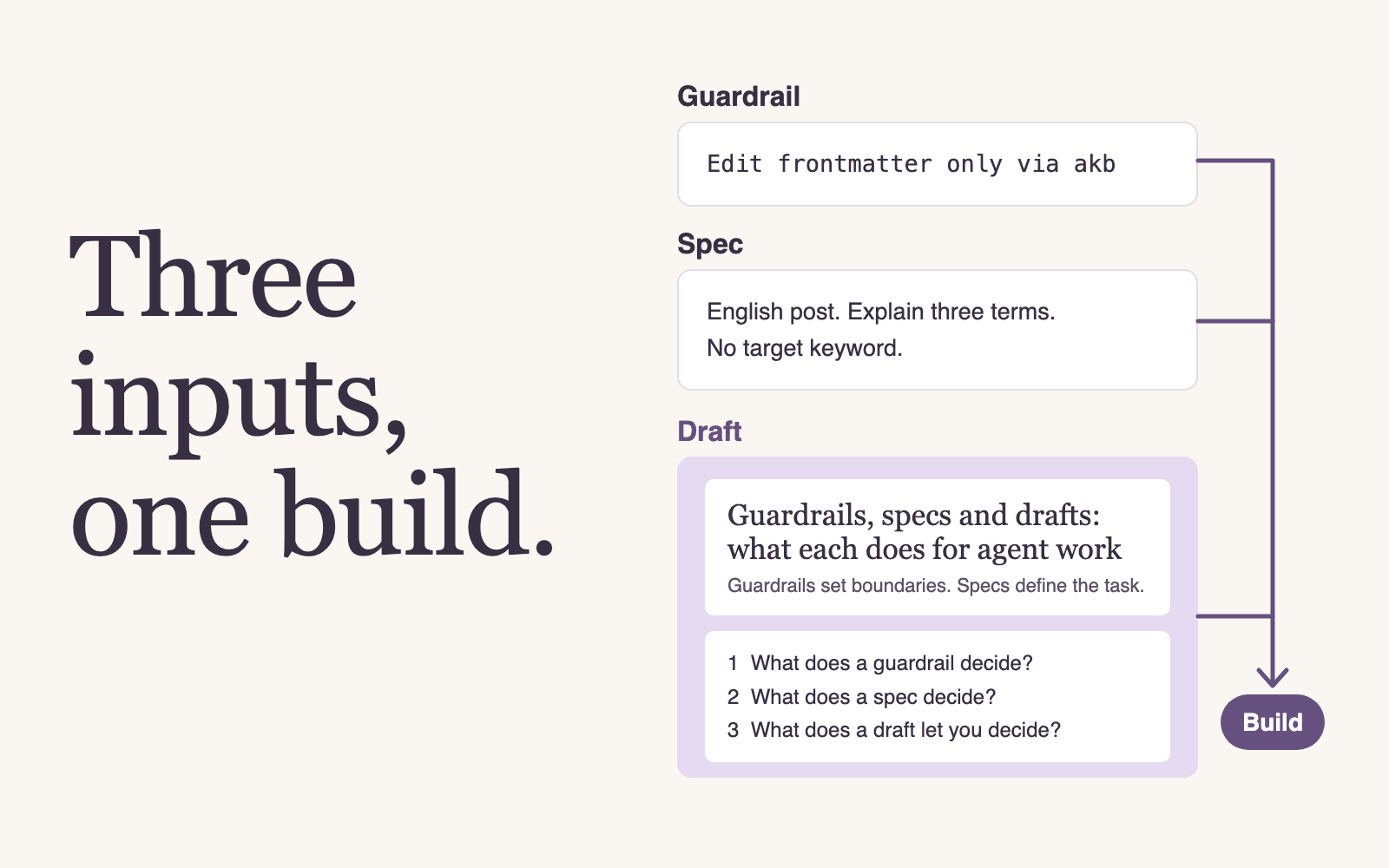
The headline “Three inputs, one build.” beside a guardrail rule, a spec and a draft of this post’s title and outline, all feeding one build.

Workflow4 min read

Guardrails, specs and drafts: what each does for agent work

The feature meets your requirements, but the UI looks awful. Guardrails set rules, specs define behavior, and drafts let you judge the actual screen before implementation.
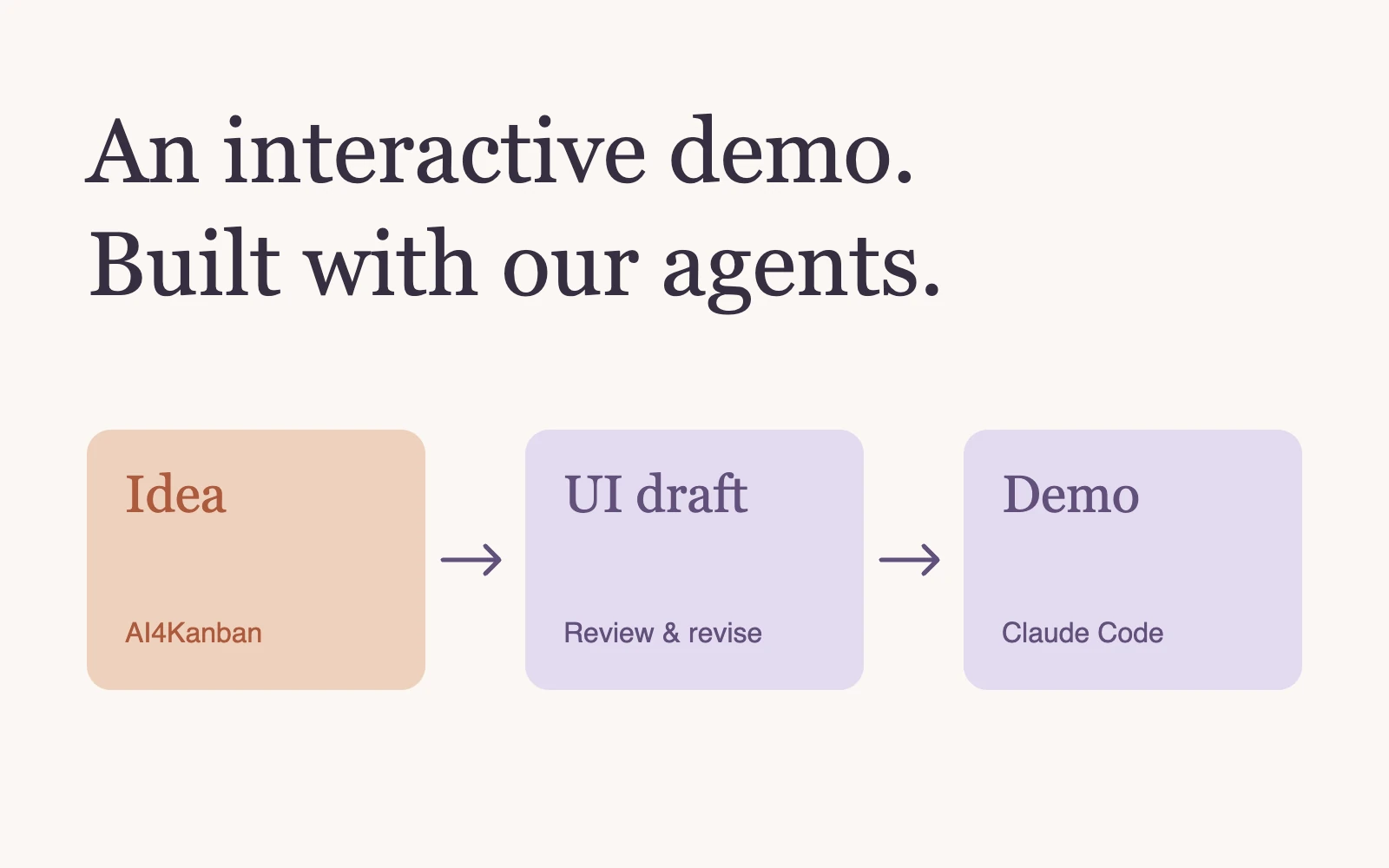
An idea becomes a reviewed UI draft and an interactive demo through AI4Kanban and Claude Code.

Workflow3 min read

How we built an interactive demo of AI4Kanban with AI4Kanban

AI4Kanban's UI drafts helped us catch problems before Claude Code built our interactive demo. We used no dedicated demo-building tools.

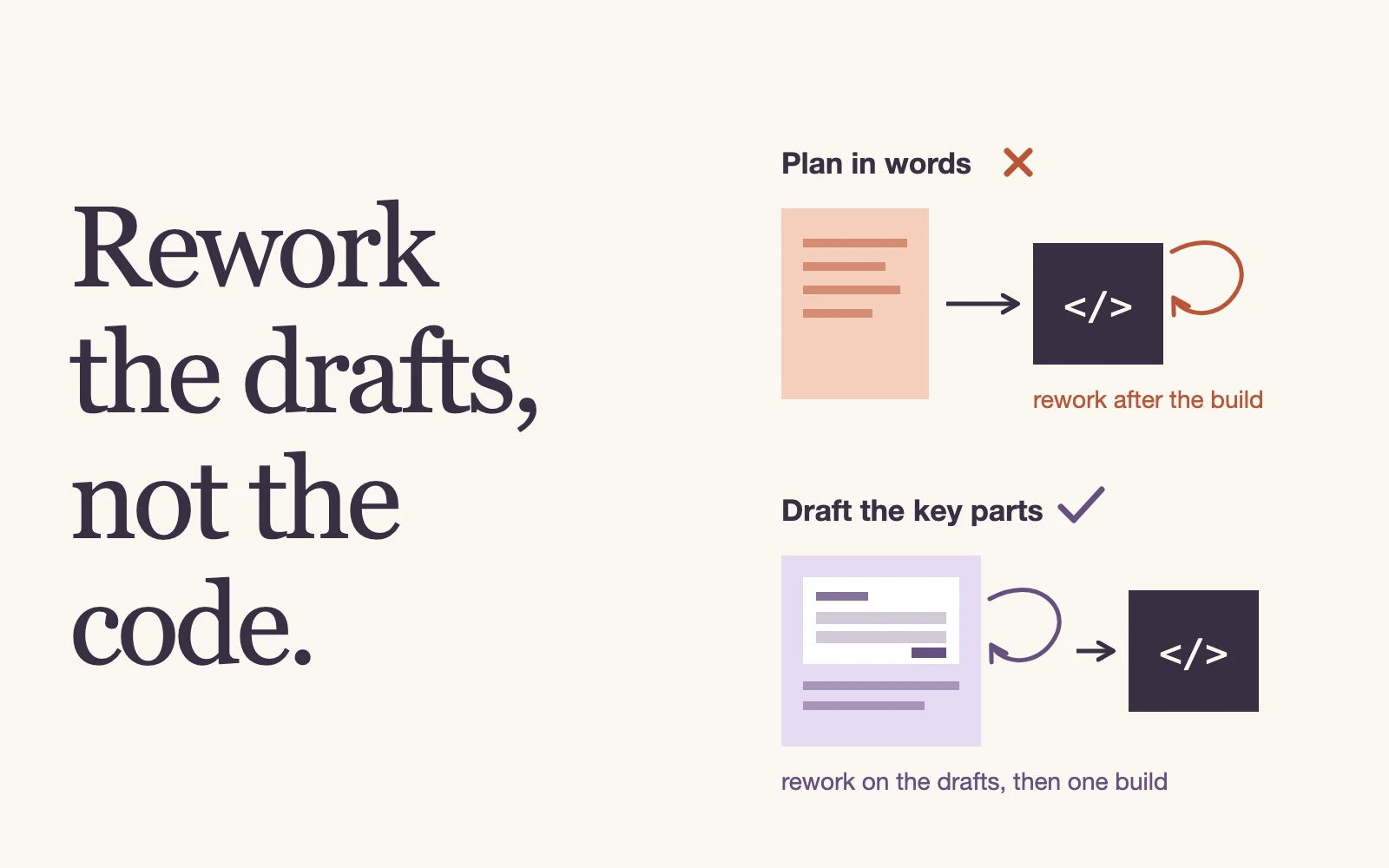
Two paths from an idea: a text plan followed by rework after implementation, and drafts of the key parts reviewed and revised before implementation.

Workflow5 min read

Draft-first development: rework the drafts, not the code

A plan can describe a feature without showing whether it works as an idea. Draft-first development brings the key screens, copy and prompts into review before implementation.

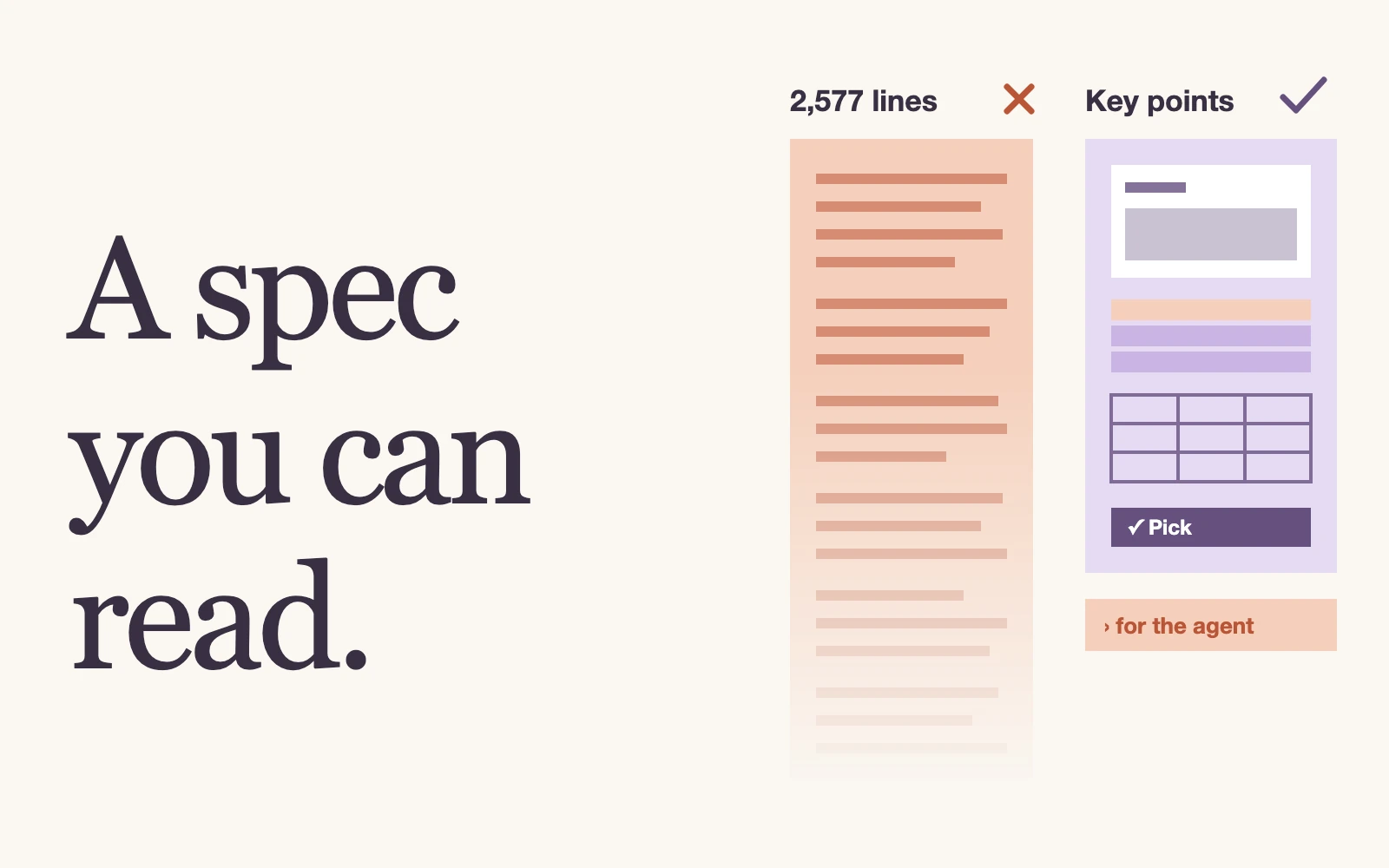
A faded 2,577-line Markdown spec marked wrong beside a short card of key points with the rest folded for the agent, under the headline “A spec you can read.”

Workflow6 min read

Why spec-to-code fails, and how we fix it

Spec-to-code fails when the spec is too long to review and too costly to change. We fix it by visualising what is hard to read, folding away what you need not read, and remembering what you decided.

Show mebeforeyou build.plan.mdAdd a page that shows how many usersran at least one task each day. Placetoday’s total above a line chart, thenvisual specDaily active users112

Workflow3 min read

Visual specs for AI coding: show me before you build

A text plan makes you picture the feature before you can judge it. A visual spec shows the screen, so you can check it against what you want and let the agent build the rest.

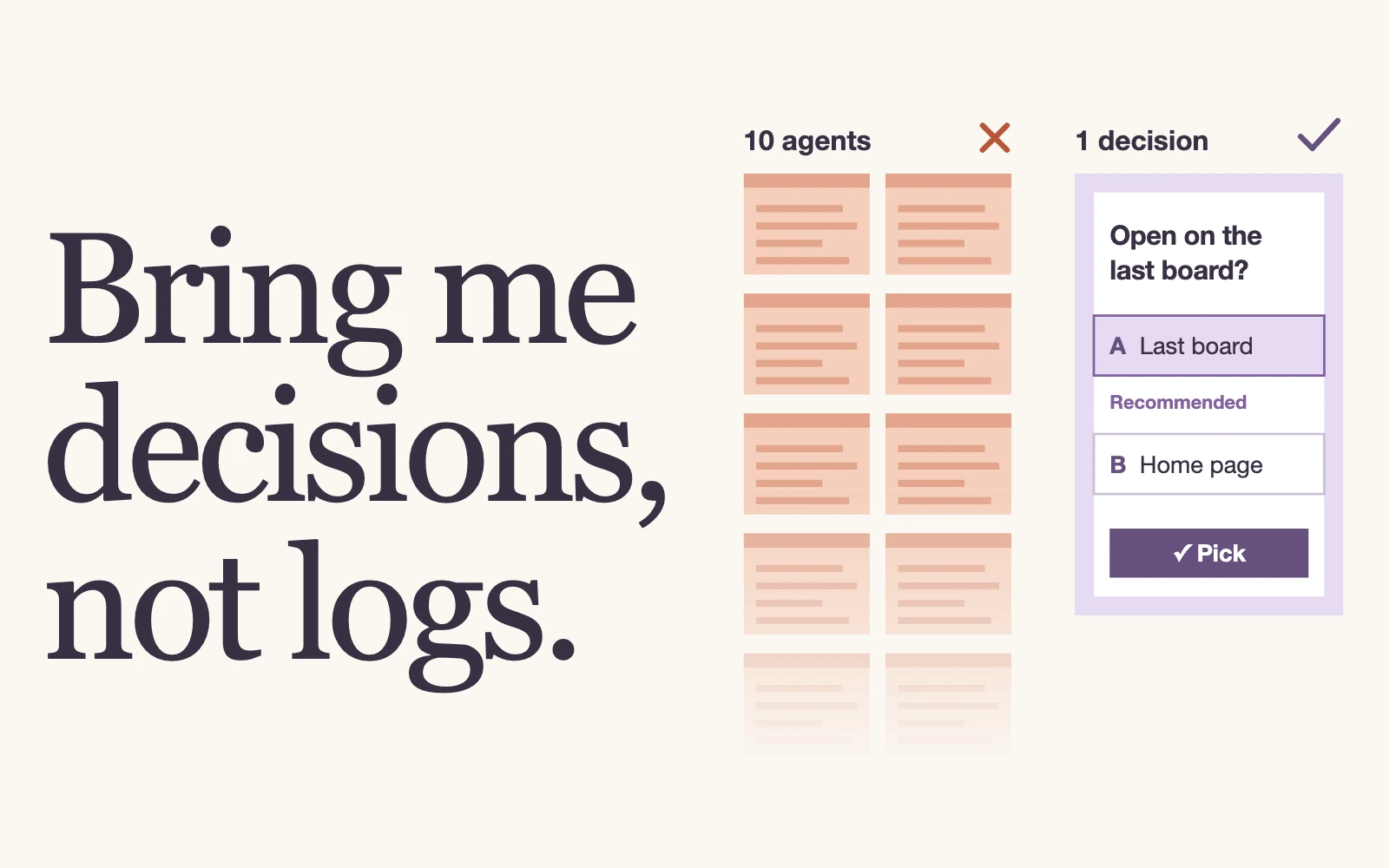
The headline “Bring me decisions, not logs.” beside a fading wall of ten agent terminals marked with a cross and a single question with a recommended option, marked with a check.

Coding agents4 min read

An AI kanban is not another dashboard

An AI kanban coordinates task graphs, project memory, and agent decisions, then compresses the work into the few questions that need human judgment.

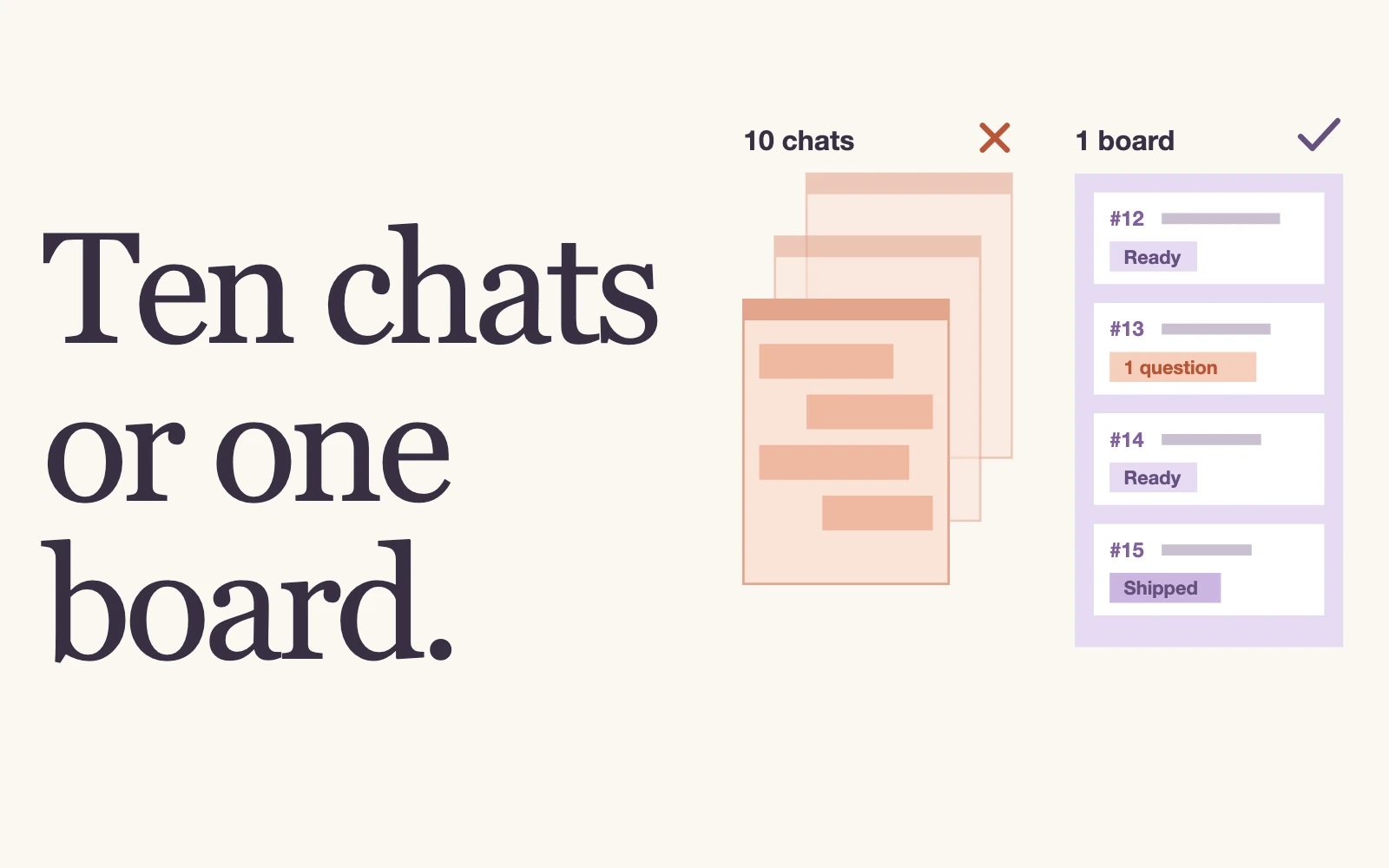
The headline “Ten chats or one board.” beside a pile of chat windows marked with a cross and one board of ready cards with a single open question, marked with a check.

Coding agents4 min read

How a PM harness tripled our development throughput

AI4Kanban is a PM harness. In our own development work, it prepared tasks for coding agents, preserved product decisions, and asked for human judgment only when it mattered.

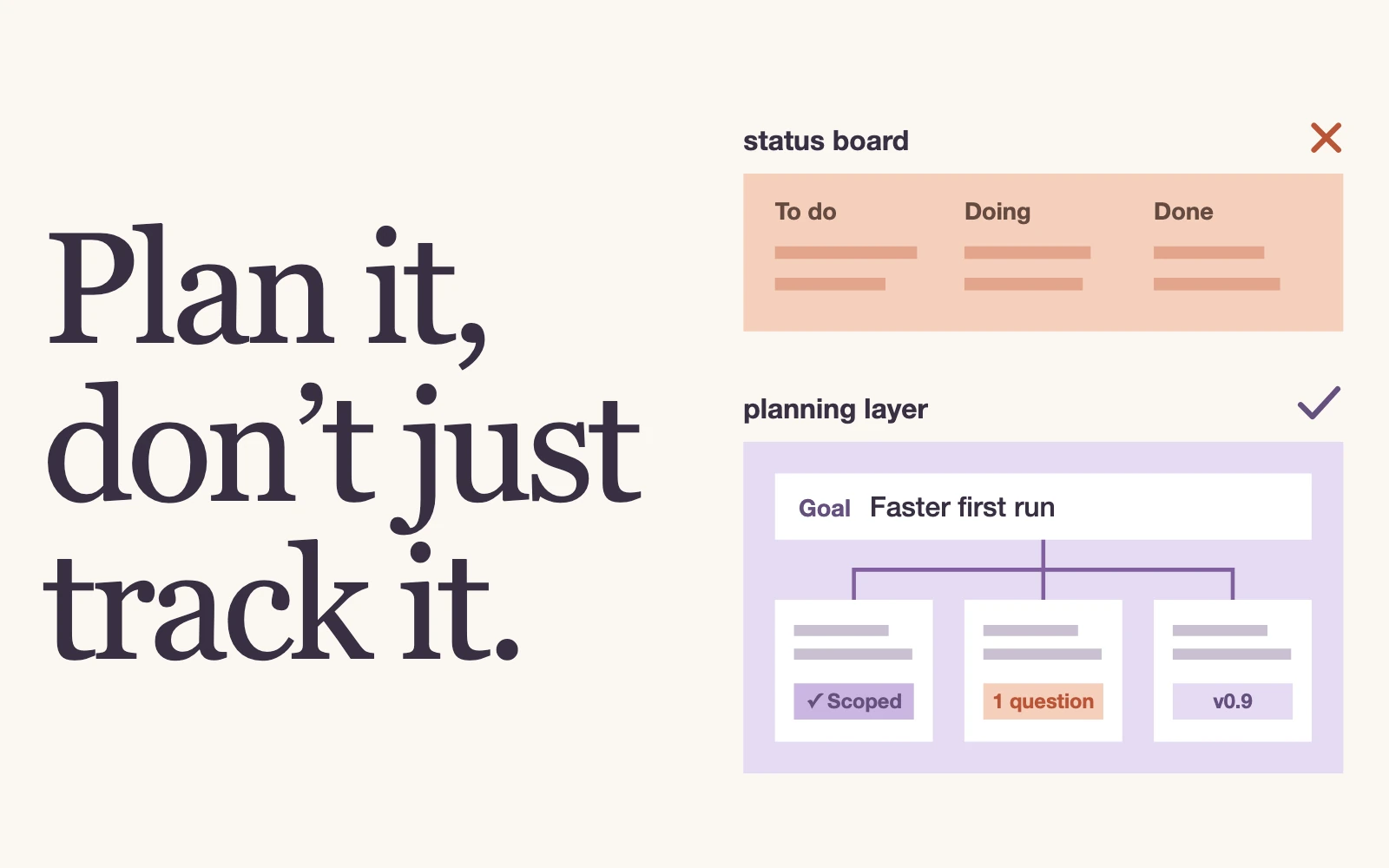
The headline “Plan it, don’t just track it.” beside a status-only board marked with a cross above a goal split into scoped cards, one open question and a release, marked with a check.

Coding agents4 min read

What is Kanban Engineering—and why did we coin the term?

Kanban Engineering is the planning layer around coding agents, connecting product goals to requirements, releases, and durable decisions.

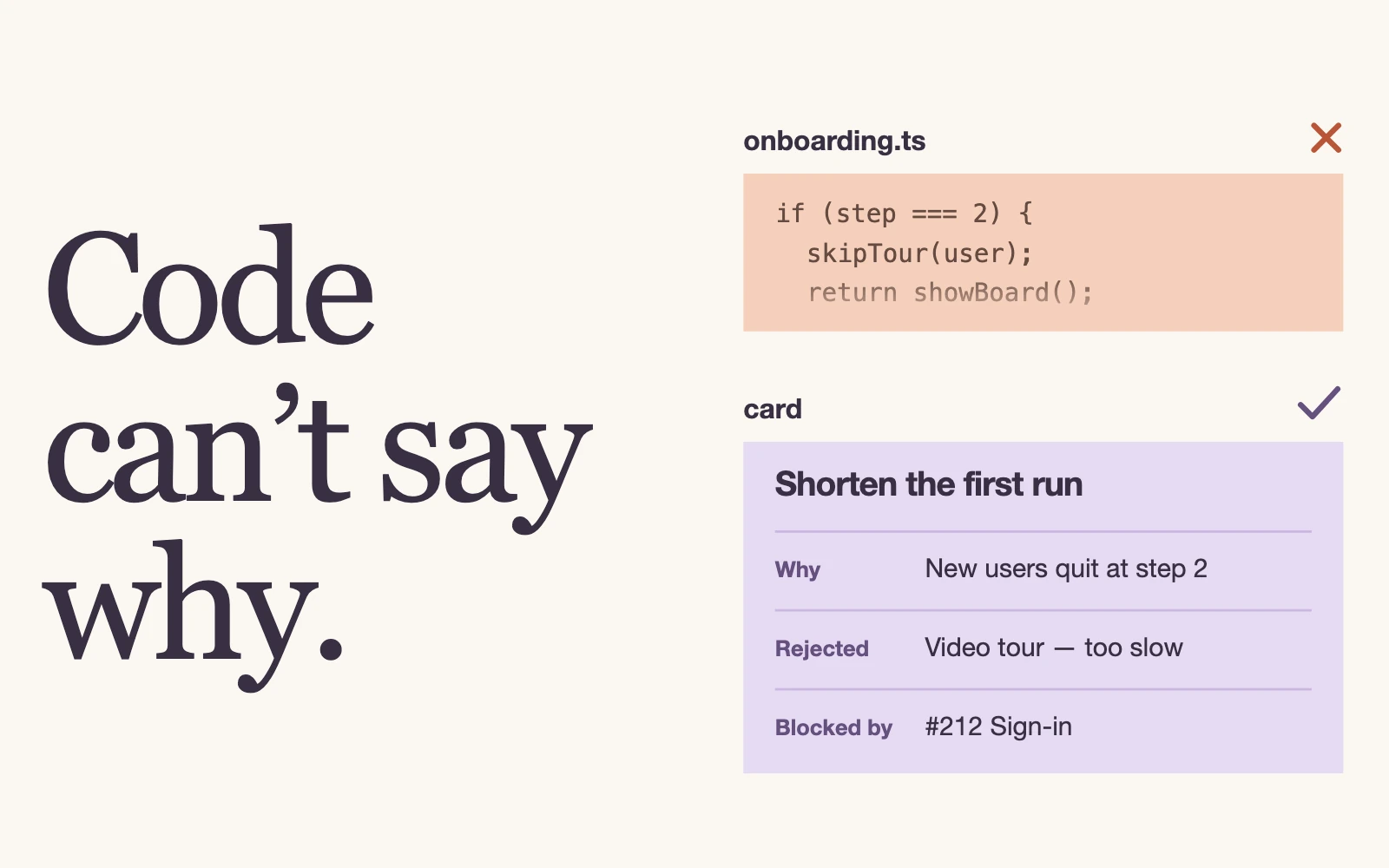
The headline “Code can’t say why.” beside a fading source file marked with a cross above a card that records why, the rejected idea and the blocker, marked with a check.

Workflow3 min read

Why project planning becomes the bottleneck with AI coding tools

A codebase shows what was built, but it does not contain the full planning context behind the product. AI needs structured project memory to turn goals into well-scoped, correctly sequenced work.